
 ">WeChat
Let’s start with the shell.
Shell is a command interpreter, an insulation between the nuclear and user systems. It is also, to be exact, a highly capable computer language known as an explanatory or script language. It can create applications by combining system calls, public programs, tools and compiled binary programs, which are common features of most script languages, so sometimes they are called “glubber languages”.
Shell under the UNIX/Linux operating system is both an interactive interface for users and a script language for control systems. This, of course, is not the same as the command line under Windows, although it also provides simple controls. Under Windows operating systems, some users never use Shell directly, but under the UNIX operating system Shell remains the script interpreter for control system start-up, X11 and many other practical tools.
The common Shell in UNIX/Linux with bash, zsh, ksh, csh etc., Ubuntu terminals are defaulted for bash and the default desktop environment is GNOME or Unity (based on GNOME).
Command line operation experience
Of the linux, the most important is commands. This involves two processes: input and output.
- Input
The input is, of course, opening the terminal, then pressing the keyboard and then pressing back to the car.
#创建一个名为 file 的文件,touch是一个命令
touch file

#进入一个目录,cd是一个命令
cd /etc/

#查看当前所在目录
pwd- Output
The output returns the result you want, for example, what documents you look at. If it’s only done, the failure will tell you what’s wrong and if it works, there’ll be no output, because the philosophy of Linux is that nothing is the best outcome.
Here we go. Let’s show you.
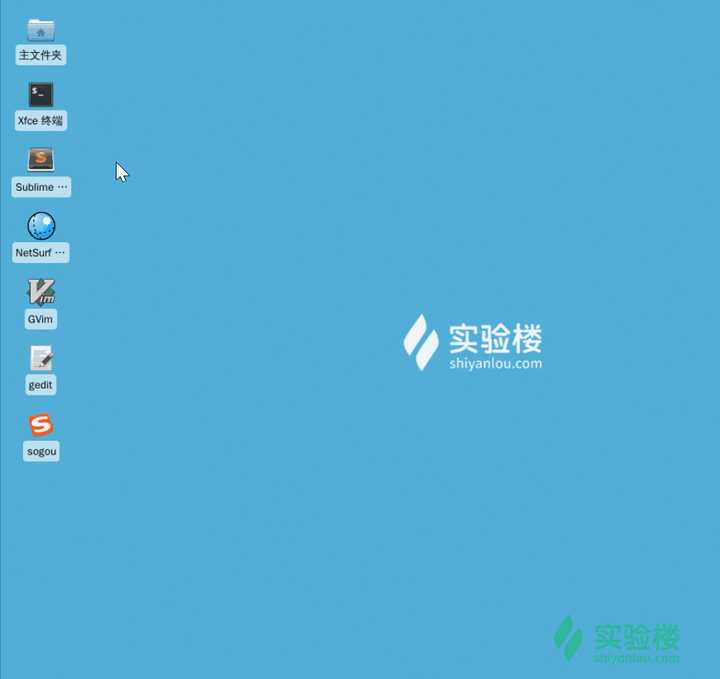
The Shell program will run automatically when the terminal is opened, and then we can enter an order to let the system execute it:
未经允许不得转载:萌萌Apprentissage » Learn linux shell


 linux One Chinese script
 Google shell enable enhanced mode 4 nuclear 16G RAM
 Tmux use tutorial
 Screen's summary
 I'm gonna get you a new one, shell.cloud.google on the line.
 Linux Memory Clearing

