
 ">WeChat
In the next blog, there will be a series of articles aboutpygame, so set the title topygameIn this blog, we’re going to tell you how we set it up.pygame
Many people, like me, may have found pygame a good easter, but they don’t know how to use it, or how to install it, and after searching on 100 degrees/google, find that there is no article detailing the installation of pygame. If you are one of them, then this blog might help you. Of course, in learning pygame, you need some python basics, if you do not have those conditions, or if you want to learn the python fundamentals systematically, the next two articles will be useful for learning about python basics:
Python learns January’s summary – Summarizing the Cows’ Thoughts – Worthing Collection
Python learns a two-month summary of the idea of combining the big cows.
If you already have a certain python base, then the next thing is probably interesting for you… come and see the pygame installation!http://www.pygame.org/download.shtml
Download the package we need:

I chose:pygame-1.9.2a0.win32-py3.2.msi 6.4MB, here’s the point: pygame’s version corresponds to 1:9.2 python’s version and 3.2.* So we need to go to python’s official network to download the same python package.http://www.python.org/download/releases/3.2.5/

Download:Windows x86 MSI Installer (3.2.5) (sig) (Note: The red mark is wrong. It’s the one above, and you can download it directly through the connection I gave.For python’s installation, you can refer to a good article:
Python development _python installation
Here is a demonstration of the installation process at python:
Remember, install the python or you’ll be wrong in your installation….
Double-click what you downloaded:
pygame-1.9.2a0.win32-py3.2.msi
The following interfaces emerged:

This will automatically test the python version of your machine…


You can find the installed pygame module under your Python installation directory: mine is in the directory: E: \Python32 ⁇ Lib\site-packages

We need to verify: open the python’s IDEL for validation:Python Development _IDEL (Python GUI)

We’re here for a successful pygame, and then we can use the pygame module.
========================================================
More reading,and english is important.
大哥哥大姐姐,觉得有用打赏点哦!多多少少没关系,一分也是对我的支持和鼓励。谢谢。
未经允许不得转载:萌萌Apprentissage » Pygame Installation Method


 Python batches to extract mainstream search engine pictures
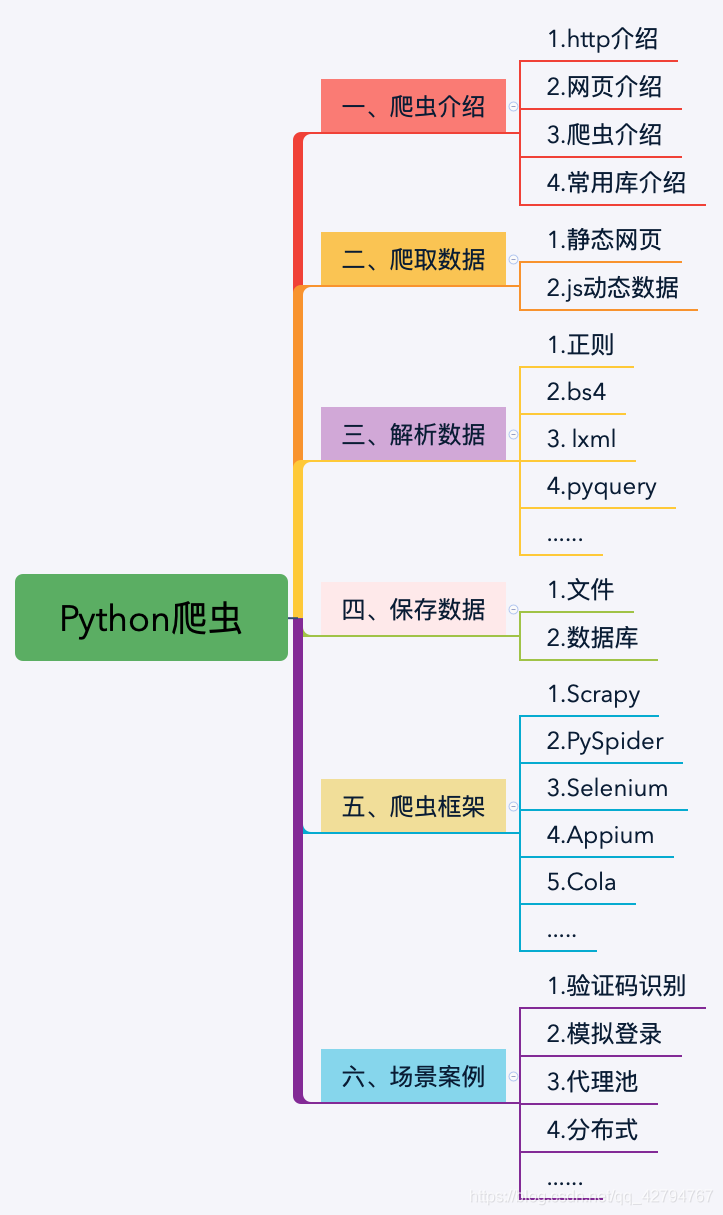 Python's word crawling across 100 degrees.
 PythonTaiichi Taipei Artificial Intelligence Tensoflow Graphic Processing
 Selenium with Tor Browser using Python
 I'm gonna get you a new one, shell.cloud.google on the line.
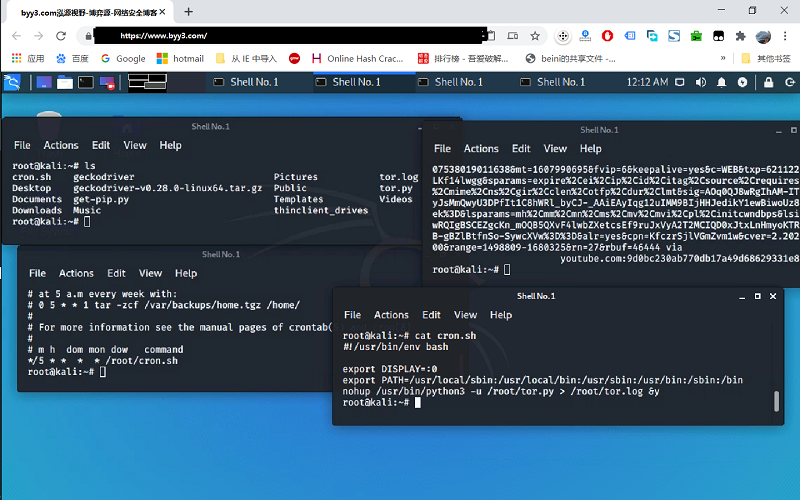 run crontab with python selenium tor browser display in linux
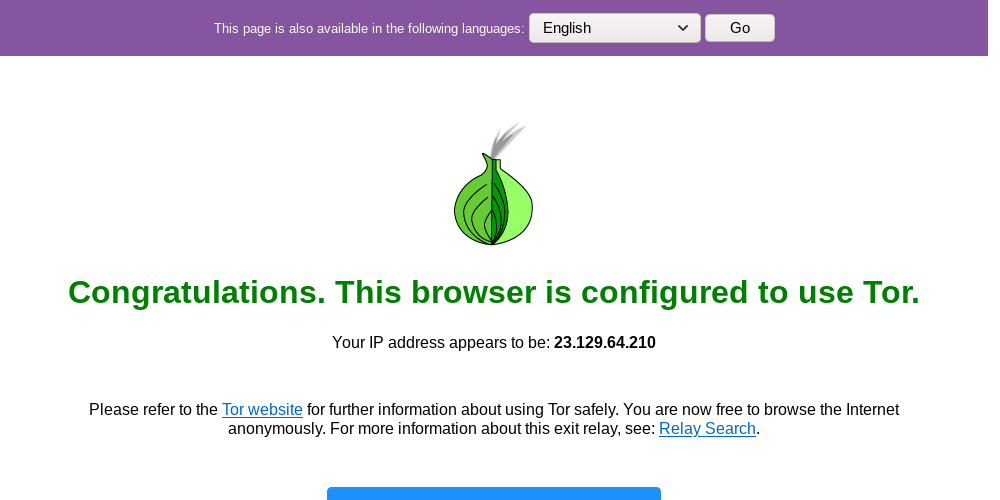 Lineux Environment Use python to call the ter browser random browser web page

