
 ">WeChat
linux environment using the python serenium module to call the ter browser random browser web page Source referencehttps://github.com/lvwuwei/tor-browser-selenium
首先在Linux桌面环境下安装tor浏览器
sudo apt install torbrowser-launcher
***安装好后记得点击菜单搜索tor然后点击运行会下载初始化tor浏览器
(如果是root用户会弹出无法在root用户下运行tor请参考https://ul00.com/739.html)linux使用Root Runtor Browser
It’s about line 94-97! *** Once set, the menu searcher clicks on run, initializes the agent settings and then uses python3 pip3 installationtbselenium CommandPip3 install tbselenium (no pip3 reference pip3 combination with python3 environment use)https://ul00.com/81.html)
Then download the geckodriver core drive wget https://github.com/mozilla/geckodriver/releases/download/v0.28.0/geckodriver-v0.28.0-linux64.tar.gz
Uncompressed t-xvf geckodriver-v0.17.0-linux64.tar.gz gets the geckodriver folder copied to sando cp geckodriver/usr/local/bin/ Use command test browser environment installed without geckodriver –version available in version geckodriver 0.28.0
Open servicet
然后新建tor.py 测试程序
from tbselenium.tbdriver import TorBrowserDriver
from os.path import dirname, join, realpath, getsize
out_img = join(dirname(realpath(__file__)), "screenshot.png")
with TorBrowserDriver("/root/.local/share/torbrowser/tbb/x86_64/tor-browser_en-US/") as driver:
driver.load_url('https://check.torproject.org', wait_for_page_body=True)
print("----"*300)
driver.get_screenshot_as_file(out_img)
print("----"*300)
print("Screenshot is saved as %s (%s bytes)" % (out_img, getsize(out_img)))
#未完成 加入关闭浏览器和点击xpath

未经允许不得转载:萌萌Apprentissage » Lineux Environment Use python to call the ter browser random browser web page


 Python batches to extract mainstream search engine pictures
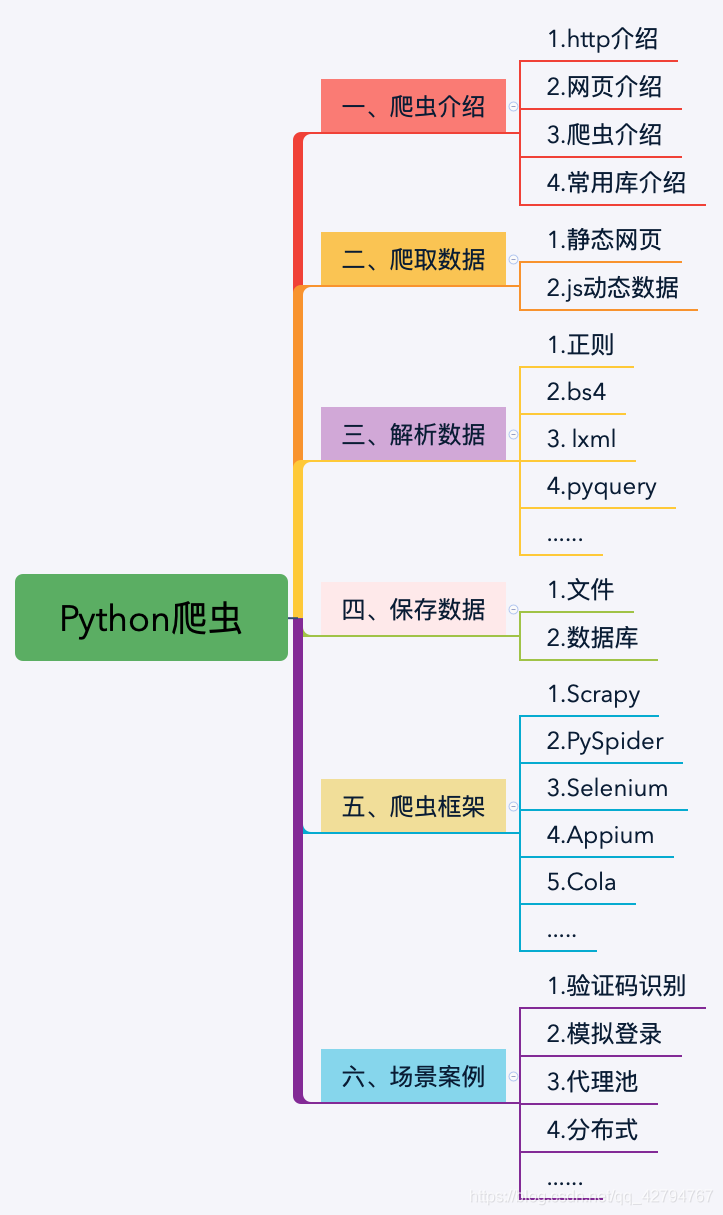 Python's word crawling across 100 degrees.
 PythonTaiichi Taipei Artificial Intelligence Tensoflow Graphic Processing
 Selenium with Tor Browser using Python
 I'm gonna get you a new one, shell.cloud.google on the line.
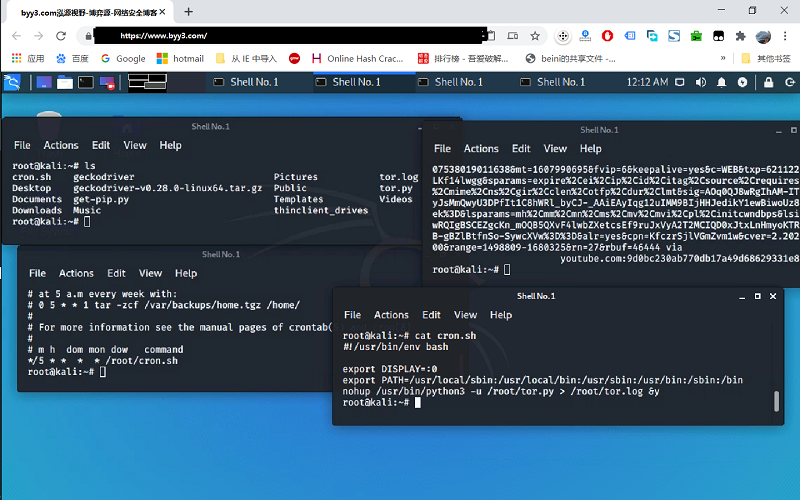 run crontab with python selenium tor browser display in linux

