
 ">WeChat

Solution bypy a python open source
Very brief description
- Installation:
pip install bypy - Run:
bypy
TL;DR
- To install:
pip install bypy - To use:
bypy
The project is in maintenance status: no new functions will be added, only if significant bugs are found Maybe. Update.
This is project is now in “maintenance” mode: NO new features will be added, and Maybe. be updated only if critical bugs are found.
English note is at the bottom
- Update: Directory upload/download/synchronise multi-process support (Performance Support)
--processes)
This is a Python client of 100 degrees cloud/100 degree disk. The main purpose is to use the huge space of 2TB by command line in Linux (which should be available under Windows, but not carefully tested). For example, you can use it on Raspberry Piberries pie. It provides lists of files, downloads, uploads, compares, synchronizes up and down, etc.
Due to the 100 degree PCS API permission limit, the program only has access to 100 degrees cloud/apps/bypyDocuments and directories below the directory.
(dissolved)It is said that 100 degrees PCS API returns a maximum of 1,000 files in the directory (#285) and, if true, if there are more than 1,000 files on the 100 degrees cloud disk, some files will not be visible / downloaded
Features: Support Unicode/Chinese; failure to retry; upload/download; catalogue comparison; Hash cache.
The interface is in English, mainly because it was developed for Raspberry Piberry.
Program Dependence
Important: The system’s area code needs to be set to UTF-8. (See:http://perlgeek.de/en/article/set-up-a-clean-utf8-environment)
Install
- It’s through.
pip_Other Organiserpip install bypy(Supporting Python 2.7+, 3.3+) - Attention. If the program has been updatedpip install bypy==1.6.10 Use bypy-V to view version after installation!
Run
When installed, first use the command bypyinfo to view the address that obtained API authentication and then copy it on a local computer web page and get one as authorizedAuthentication Code, and then copy the authentication code back to server linux and paste it back into the car.
- As a stand-alone program: Run
bypy(or)python -m bypyorpython3 -m bypy) can see all commands and parameters supported by the command line. - As a package, use in code:
import bypy
Simple GUI: Run bypygui
Basic Operations
Displays the use of help and all commands (English):
bypy
You need authorization to run for the first time, and you just have to run any command. bypy infoThen you can follow the instructions (landing, etc.) to authorize it. The authorization takes only one time and once it is successful, there will be no further hints of authorization.
bypy help <command>
Shows the file list in the cloud (programme) root directory: *** Note that folders are on your 100 degree diskApplication Folder, so move the file you want to download to the bypy folder on the yun.baidu.com page, which allows local machines!
bypy list
Synchronise the current directory to the cloud disk:
bypy syncup
# Or #
bypy upload
Synchronize the cloud disk content to local locations:
bypy syncdown
# Or #
bypy downdir /
Compare the current local directory with the root of the cloud disk (the programme) (which is considered very useful by individuals):
bypy compare
Please see running for more commands and explanations.bypythe output.
Debug
- Add on Runtime
-vparameter, the progress details are shown. - Add on Runtime
-d, displays some debugging information. - Add on Runtime
-ddd, will also display HTTP communication messages (Warning: Very many)
Integration testing (15 – 30 minutes)
- Run under home directory:
python -m bypy.test
Directly call in Python
from bypy import ByPy
bp=ByPy()
bp.list() # or whatever instance methods of ByPy class
Experience sharing
Please move towiki, facilitate sharing/exchange.
Authorization
See: LICENSE
PCS API document (defunct): http://developer.baidu.com/wiki/index.php?title=docs/pcs/rest/file_data_apis_list (For previously saved offline version: baidudoc directory)
Introduction
- Latest feature: Multiprocessing added to directory upload / download / sync(
--processes)
This is a Python client for Baidu Yun (a.k.a PCS – Personal Cloud Storage), an online storage website offering 2 TB (fast) free personal storage. This main purpose is to be able to utilize this storage service under Linux environment (console), e.g. Raspberry Pi.
Due to Baidu PC permission restrictions, this program can only access your /apps/bypy directory at Baidu PCS
(Fixed) It’s said the Baidu PCS API won’t return more than 1000 items inside a directory ( #285 ),if this is true,you won’t be able to see / download some files if you have a directory with more than 1000 files on Baidu Cloud
Features: Unicode / Chinese support; Retry on failures; Recursive down/up-load; Directory comparison; Hash caching.
Prerequisite
Important: You need to set you system locale encoding to UTF-8 for this to work (You can refer here: http://perlgeek.de/en/article/set-up-a-clean-utf8-environment)
Installation
pip install bypy(Python 2.7+, 3.3+)
Usage
- Standalone program
- Simply run
bypyI’m sorry.python -m bypyYou know, or…python3 -m bypy) You will see all the commands and parameters it supports
- Simply run
- As a package in your code
import bypy
Simple GUI: Run bypygui
Getting started
To get help and a list of available commands:
bypy
To authorize for first time use, run any commands e.g. bypy info and follow the instructions (login etc). This is a one-time requirement only.
To get more details about certain command:
bypy help <command>
List files at (App’s) root directory at Baidu PCS:
bypy list
To sync up to the cloud (from the current directory):
bypy syncup
# Or #
bypy upload
To sync down from the cloud (to the current directory):
bypy syncdown
# Or #
bypy downdir /
To compare the current directory to (App’s) root directory at Baidu PCS (which I think is very useful):
bypy compare
To get more information about the commands, check the output of bypy.
Debug
- Add in
-vparameter, it will print more details about the progress. - Add in
-dparameter, it will print some debug messages. - Add in
-ddd, it will display HTTP messages as well (Warning: A lot)
Integration Test (15-30min)
- (In the project root directory) run:
python -m bypy.test
To call from Python code
from bypy import ByPy
bp=ByPy()
bp.list() # or whatever instance methods of ByPy class
Tips / Sharing
Please go to wiki
未经允许不得转载:萌萌Apprentissage » The 100-degree cloud disk is downloaded using the linux server proxy

 View all Linux command execution orders and numbers

 linux One Chinese script
 Google shell enable enhanced mode 4 nuclear 16G RAM
 Python batches to extract mainstream search engine pictures
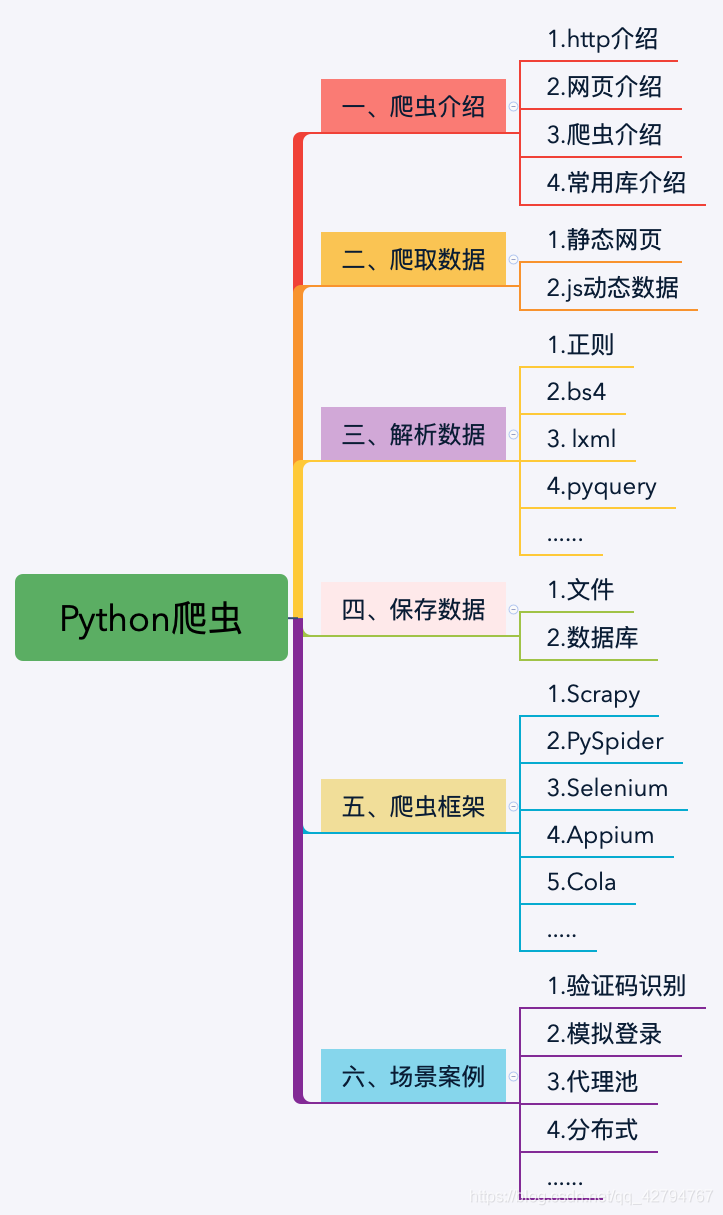 Python's word crawling across 100 degrees.
 PythonTaiichi Taipei Artificial Intelligence Tensoflow Graphic Processing

