
 ">WeChat
1. Preamble
In the course of our journey, we sometimes want to list all the commands supported by Linux on this server, i.e., all enforceable orders (including aliases and functions from the bash shell). If you need one, try it.compgenCommand. This document is about to be used for the following purposes:compgenRole and use of orders

2. compgenCases of use
cp output top root l. lls mv rm which if then elif fi case eac for proper until doe in funcing time {}! More unshowed keywords!findCommand
Findfs btrifs-find-root find oldfinind nl-link-ifindex2namenl-link-name2findex findbint2perl
1288

View the number of commands this user can execute

Output results, root user can run 1288 commands on CentOS7.linuxrummen.com.aliasesDefined alias
cp esgreep grep l. lls mv rm which looks at embedded commands
.: [alias bg bind break biltin caller cd compgen complete view bash keywords]
If then otherwise fi case eac for self-suspect while until doe in funcing view all the functions of bah
3. Linux commands
By the way, please describe several commonly used commands: lls [option(s)] [file(s)] ls commands for the contents of files and subdirectories that list target directories. By default, only directories and filenames are shown in simple form. cp [option(s)] sourcefile profile
cpCommand to copy a directory or file to a specific directory. mv [option(s)] sourcefile profile
mvCommand used to move or rename files rm [option(s)] file(s)
rmCommand to delete files or directories, with the possibility of deleting multiple directories or files at a time
lncommand creates an internal link from the source file to the target file by a different name. Usually, such a link is directly directed at the source file on the same file system. However, using-s option In, a symbol link will be created that points only to the directory in which the source file is located, thus enabling links across files. cd [options(s)] [directory]
cdCommand to switch the current working directory. mkdir [option(s)] directoryname
mkdirCreate directory rmdir [option(s)] directoryname
rmdirFor deleting an empty directory
chownUse to modify the file or owner. chgrp [option(s)] groupname file(s)
chgrpThe order transfers the ownership of a given document to a group with a specified name. [options] file(s) mode
chmodThe command is used to modify the permissions of a file or directory, including the permissions of this user, the privileges of the same group of users, and those of other users.
未经允许不得转载:萌萌Apprentissage » View all Linux command execution orders and numbers


 Sed command echo command
 The linux restart could not start the linux software to remove reload xrdp reload
 Linux takes a summary of the positions in power.
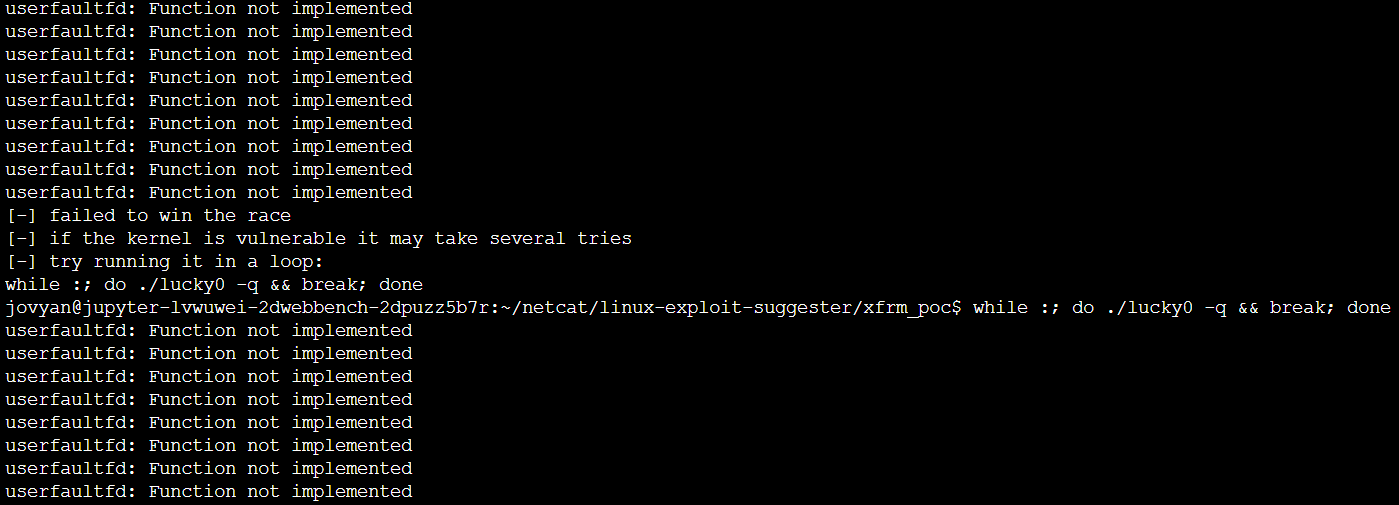 Post-infiltration of the latest Linux power root, [CVE-2019-15666] XFR_UAF affects most versions of the linux core
 The 100-degree cloud disk is downloaded using the linux server proxy

