
 ">WeChat
1,实验代码
import turtle
turtle.pensize(4)
turtle.pencolor(‘red’)
turtle.forward(100)
turtle.right(90)
turtle.forward(100)
turtle.right(90)
turtle.forward(100)
turtle.right(90)
2,运用在云服务器linux中,debian环境搭配lxde桌面环境,
由于turtle库最新版本官方网址https://pypi.org/search/?q=turtle
For turtle 0.0.2 login desktop terminal terminal wget https://files.pythonhosted.org/packages/ff/f0/21a42e9e424d24bdd0e509d5ed3c7dfb8f47d962d9c044dba903b0b4a26f/turtle-0.0.2.tar.gz
Then trxvf trtle-0.0.2.tar.gz and cdtll-0.0.2 enters the directory nano setup.py
Solutions
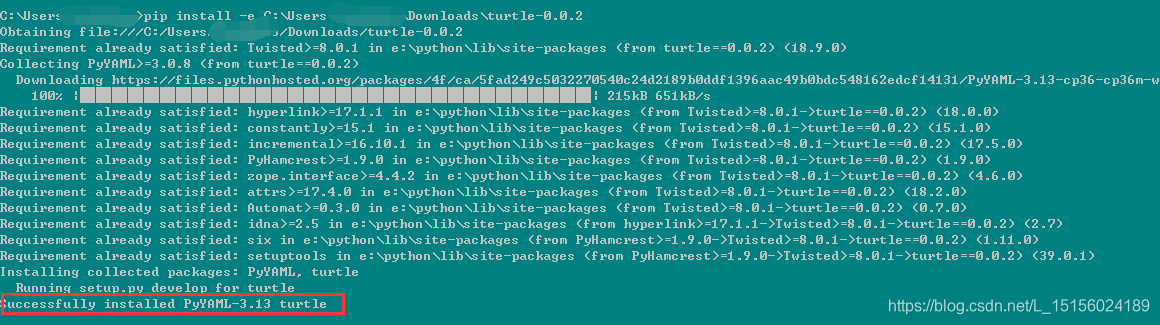
Download the turtle according to given address in the wrong messageStart Downloading), decompress, open setup.py and amend line 40 to read:
except (ValueError, ve):Re-execut the following installation orders:
pip install -e C:\Users\Downloads\turtle-0.0.2The directory of the newly modified turtle-0.0.2 is behind the –e parameter, using a modified installation that has been successfully installed, as shown in the figure:
Test Terminal input python3 and report turtle does not indicate success. Test program continues error relying on error tkinter
Python tkinter module installation
Pip3 search tkinder or python3 -m pip search tkinter or sudo apt search python3-tk and then apt install python3-tk (provided apt-get update) installs the retesting program successfully (no desktop environment is required to run the turtle library in a ssh terminal environment) vnc or 3389
未经允许不得转载:萌萌Apprentissage » For the python3 installation of pits with turtle library used to draw maps in a linux environment


 linux One Chinese script
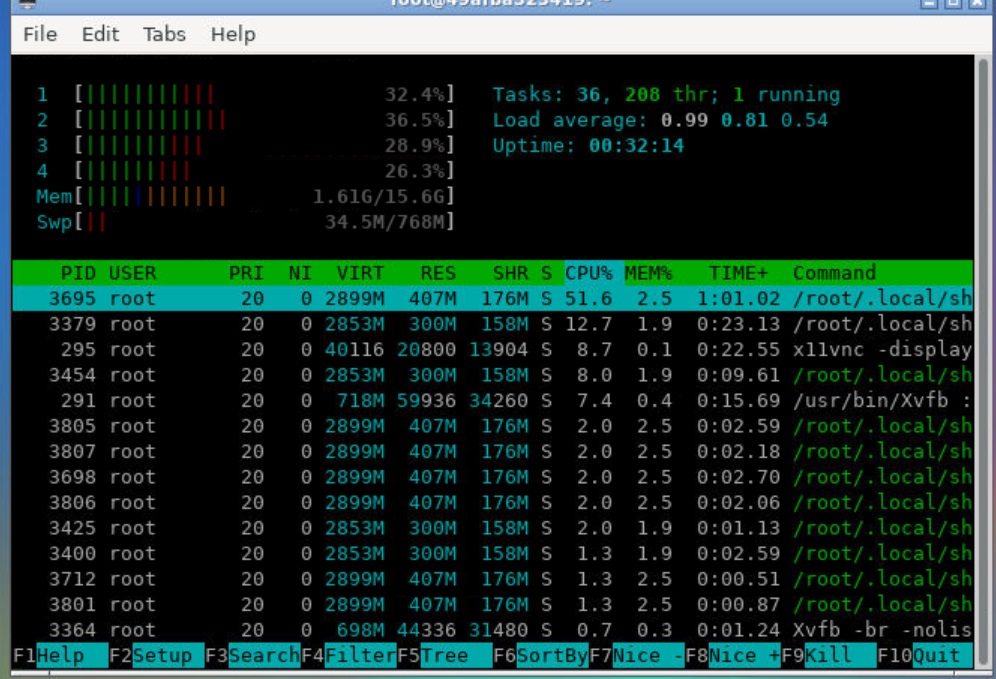 Google shell enable enhanced mode 4 nuclear 16G RAM
 Python batches to extract mainstream search engine pictures
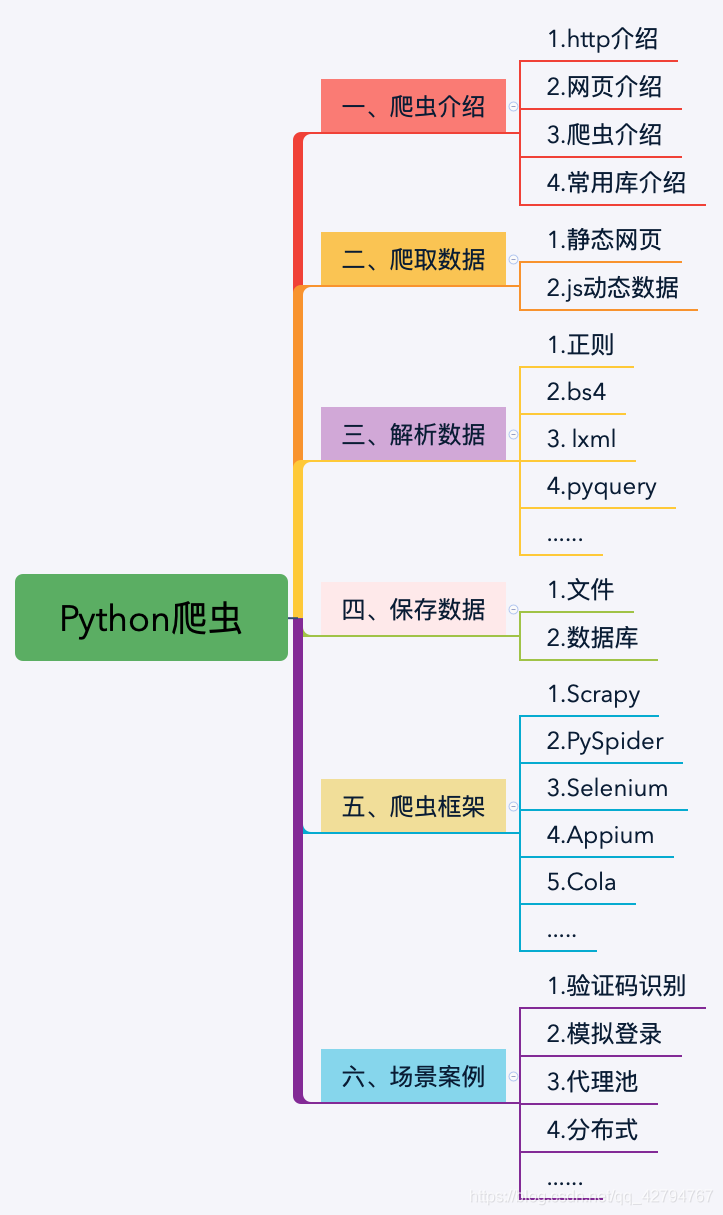 Python's word crawling across 100 degrees.
 PythonTaiichi Taipei Artificial Intelligence Tensoflow Graphic Processing
 Selenium with Tor Browser using Python

