
 ">WeChat
# Wormy (a Nibbles clone)
# By Al Sweigart [email protected]
# http://ul00.com/pygame
# Released under a "Simplified BSD" license

import random, pygame, sys
from pygame.locals import *

FPS = 12 #游戏速度
WINDOWWIDTH = 640
WINDOWHEIGHT = 480
CELLSIZE = 20
assert WINDOWWIDTH % CELLSIZE == 0, "Window width must be a multiple of cell size."
assert WINDOWHEIGHT % CELLSIZE == 0, "Window height must be a multiple of cell size."
CELLWIDTH = int(WINDOWWIDTH / CELLSIZE)
CELLHEIGHT = int(WINDOWHEIGHT / CELLSIZE)

#             R    G    B
WHITE     = (255, 255, 255)
BLACK     = (  0,   0,   0)
RED       = (255,   0,   0)
GREEN     = (  0, 255,   0)
DARKGREEN = (  0, 155,   0)
DARKGRAY  = ( 40,  40,  40)
BGCOLOR = BLACK

UP = 'up'
DOWN = 'down'
LEFT = 'left'
RIGHT = 'right'

HEAD = 0 # syntactic sugar: index of the worm's head

def main():
    global FPSCLOCK, DISPLAYSURF, BASICFONT

    pygame.init()
    FPSCLOCK = pygame.time.Clock()
    DISPLAYSURF = pygame.display.set_mode((WINDOWWIDTH, WINDOWHEIGHT))
    BASICFONT = pygame.font.Font('freesansbold.ttf', 18)
    pygame.display.set_caption('py_serpent.py')

    showStartScreen()
    while True:
        runGame()
        showGameOverScreen()


def runGame():
    # Set a random start point.
    startx = random.randint(5, CELLWIDTH - 6)
    starty = random.randint(5, CELLHEIGHT - 6)
    wormCoords = [{'x': startx,     'y': starty},
                  {'x': startx - 1, 'y': starty},
                  {'x': startx - 2, 'y': starty}]
    direction = RIGHT

    # Start the apple in a random place.
    apple = getRandomLocation()

    while True: # main game loop
        for event in pygame.event.get(): # event handling loop
            if event.type == QUIT:
                terminate()
            elif event.type == KEYDOWN:
                if (event.key == K_LEFT or event.key == K_a) and direction != RIGHT:
                    direction = LEFT
                elif (event.key == K_RIGHT or event.key == K_d) and direction != LEFT:
                    direction = RIGHT
                elif (event.key == K_UP or event.key == K_w) and direction != DOWN:
                    direction = UP
                elif (event.key == K_DOWN or event.key == K_s) and direction != UP:
                    direction = DOWN
                elif event.key == K_ESCAPE:
                    terminate()

        # check if the worm has hit itself or the edge
        if wormCoords[HEAD]['x'] == -1 or wormCoords[HEAD]['x'] == CELLWIDTH or wormCoords[HEAD]['y'] == -1 or wormCoords[HEAD]['y'] == CELLHEIGHT:
            return # game over
        for wormBody in wormCoords[1:]:
            if wormBody['x'] == wormCoords[HEAD]['x'] and wormBody['y'] == wormCoords[HEAD]['y']:
                return # game over

        # check if worm has eaten an apply
        if wormCoords[HEAD]['x'] == apple['x'] and wormCoords[HEAD]['y'] == apple['y']:
            # don't remove worm's tail segment
            apple = getRandomLocation() # set a new apple somewhere
        else:
            del wormCoords[-1] # remove worm's tail segment

        # move the worm by adding a segment in the direction it is moving
        if direction == UP:
            newHead = {'x': wormCoords[HEAD]['x'], 'y': wormCoords[HEAD]['y'] - 1}
        elif direction == DOWN:
            newHead = {'x': wormCoords[HEAD]['x'], 'y': wormCoords[HEAD]['y'] + 1}
        elif direction == LEFT:
            newHead = {'x': wormCoords[HEAD]['x'] - 1, 'y': wormCoords[HEAD]['y']}
        elif direction == RIGHT:
            newHead = {'x': wormCoords[HEAD]['x'] + 1, 'y': wormCoords[HEAD]['y']}
        wormCoords.insert(0, newHead)
        DISPLAYSURF.fill(BGCOLOR)
        drawGrid()
        drawWorm(wormCoords)
        drawApple(apple)
        drawScore(len(wormCoords) - 3)
        pygame.display.update()
        FPSCLOCK.tick(FPS)

def drawPressKeyMsg():
    pressKeySurf = BASICFONT.render('Press a key to play.', True, DARKGRAY)
    pressKeyRect = pressKeySurf.get_rect()
    pressKeyRect.topleft = (WINDOWWIDTH - 200, WINDOWHEIGHT - 30)
    DISPLAYSURF.blit(pressKeySurf, pressKeyRect)


def checkForKeyPress():
    if len(pygame.event.get(QUIT)) > 0:
        terminate()

    keyUpEvents = pygame.event.get(KEYUP)
    if len(keyUpEvents) == 0:
        return None
    if keyUpEvents[0].key == K_ESCAPE:
        terminate()
    return keyUpEvents[0].key


def showStartScreen():
    titleFont = pygame.font.Font('freesansbold.ttf', 100)
    titleSurf1 = titleFont.render('Ready!', True, WHITE, DARKGREEN)#游戏开始提示
    titleSurf2 = titleFont.render('GO!', True, GREEN)#游戏开始提示

    degrees1 = 0
    degrees2 = 0
    while True:
        DISPLAYSURF.fill(BGCOLOR)
        rotatedSurf1 = pygame.transform.rotate(titleSurf1, degrees1)
        rotatedRect1 = rotatedSurf1.get_rect()
        rotatedRect1.center = (WINDOWWIDTH / 2, WINDOWHEIGHT / 2)
        DISPLAYSURF.blit(rotatedSurf1, rotatedRect1)

        rotatedSurf2 = pygame.transform.rotate(titleSurf2, degrees2)
        rotatedRect2 = rotatedSurf2.get_rect()
        rotatedRect2.center = (WINDOWWIDTH / 2, WINDOWHEIGHT / 2)
        DISPLAYSURF.blit(rotatedSurf2, rotatedRect2)

        drawPressKeyMsg()

        if checkForKeyPress():
            pygame.event.get() # clear event queue
            return
        pygame.display.update()
        FPSCLOCK.tick(FPS)
        degrees1 += 3 # rotate by 3 degrees each frame
        degrees2 += 7 # rotate by 7 degrees each frame


def terminate():
    pygame.quit()
    sys.exit()


def getRandomLocation():
    return {'x': random.randint(0, CELLWIDTH - 1), 'y': random.randint(0, CELLHEIGHT - 1)}


def showGameOverScreen():
    gameOverFont = pygame.font.Font('freesansbold.ttf', 150)
    gameSurf = gameOverFont.render('Game', True, WHITE)#游戏结束提示
    overSurf = gameOverFont.render('Over', True, WHITE)#游戏结束提示
    gameRect = gameSurf.get_rect()
    overRect = overSurf.get_rect()
    gameRect.midtop = (WINDOWWIDTH / 2, 10)
    overRect.midtop = (WINDOWWIDTH / 2, gameRect.height + 10 + 25)

    DISPLAYSURF.blit(gameSurf, gameRect)
    DISPLAYSURF.blit(overSurf, overRect)
    drawPressKeyMsg()
    pygame.display.update()
    pygame.time.wait(500)
    checkForKeyPress() # clear out any key presses in the event queue

    while True:
        if checkForKeyPress():
            pygame.event.get() # clear event queue
            return

def drawScore(score):
    scoreSurf = BASICFONT.render('Score: %s' % (score), True, WHITE)
    scoreRect = scoreSurf.get_rect()
    scoreRect.topleft = (WINDOWWIDTH - 120, 10)
    DISPLAYSURF.blit(scoreSurf, scoreRect)


def drawWorm(wormCoords):
    for coord in wormCoords:
        x = coord['x'] * CELLSIZE
        y = coord['y'] * CELLSIZE
        wormSegmentRect = pygame.Rect(x, y, CELLSIZE, CELLSIZE)
        pygame.draw.rect(DISPLAYSURF, DARKGREEN, wormSegmentRect)
        wormInnerSegmentRect = pygame.Rect(x + 4, y + 4, CELLSIZE - 8, CELLSIZE - 8)
        pygame.draw.rect(DISPLAYSURF, GREEN, wormInnerSegmentRect)


def drawApple(coord):
    x = coord['x'] * CELLSIZE
    y = coord['y'] * CELLSIZE
    appleRect = pygame.Rect(x, y, CELLSIZE, CELLSIZE)
    pygame.draw.rect(DISPLAYSURF, RED, appleRect)


def drawGrid():
    for x in range(0, WINDOWWIDTH, CELLSIZE): # draw vertical lines
        pygame.draw.line(DISPLAYSURF, DARKGRAY, (x, 0), (x, WINDOWHEIGHT))
    for y in range(0, WINDOWHEIGHT, CELLSIZE): # draw horizontal lines
        pygame.draw.line(DISPLAYSURF, DARKGRAY, (0, y), (WINDOWWIDTH, y))


if __name__ == '__main__':
    main()
未经允许不得转载:萌萌Apprentissage » Python petite source de jeu, pygame, serpent-manger exemple


 Python lote pour extraire des images de moteurs de recherche
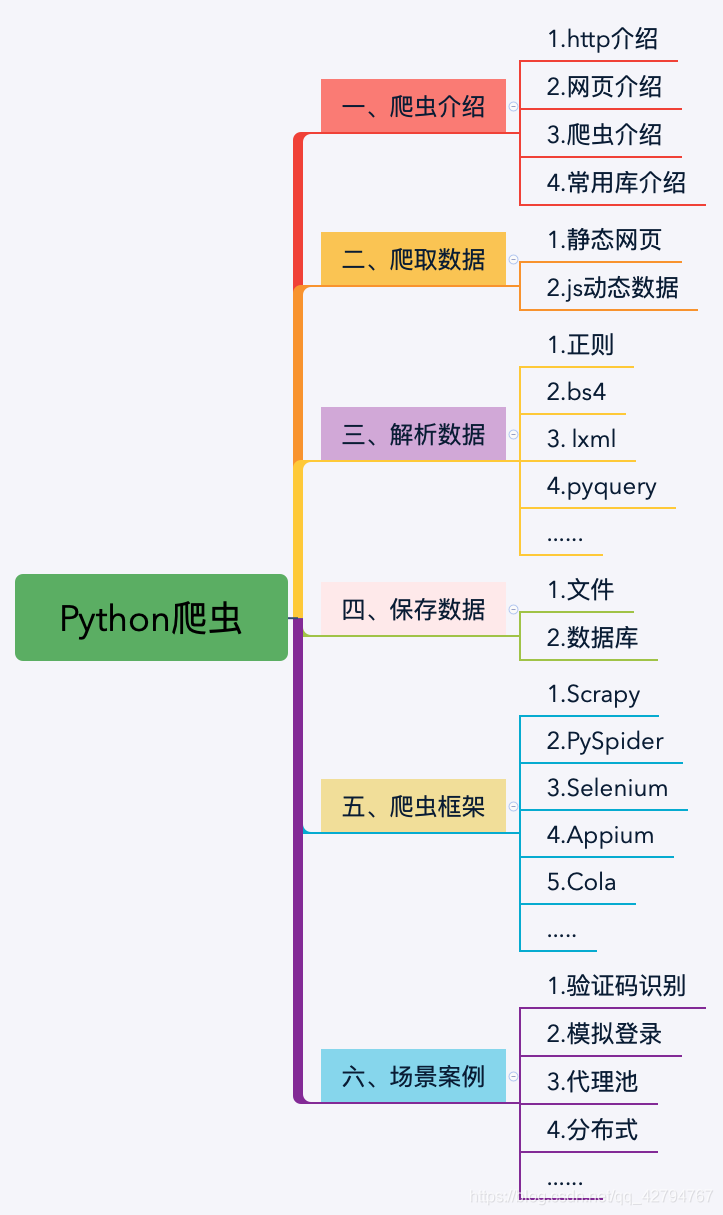 Le mot de Python grimpant à 100 degrés.
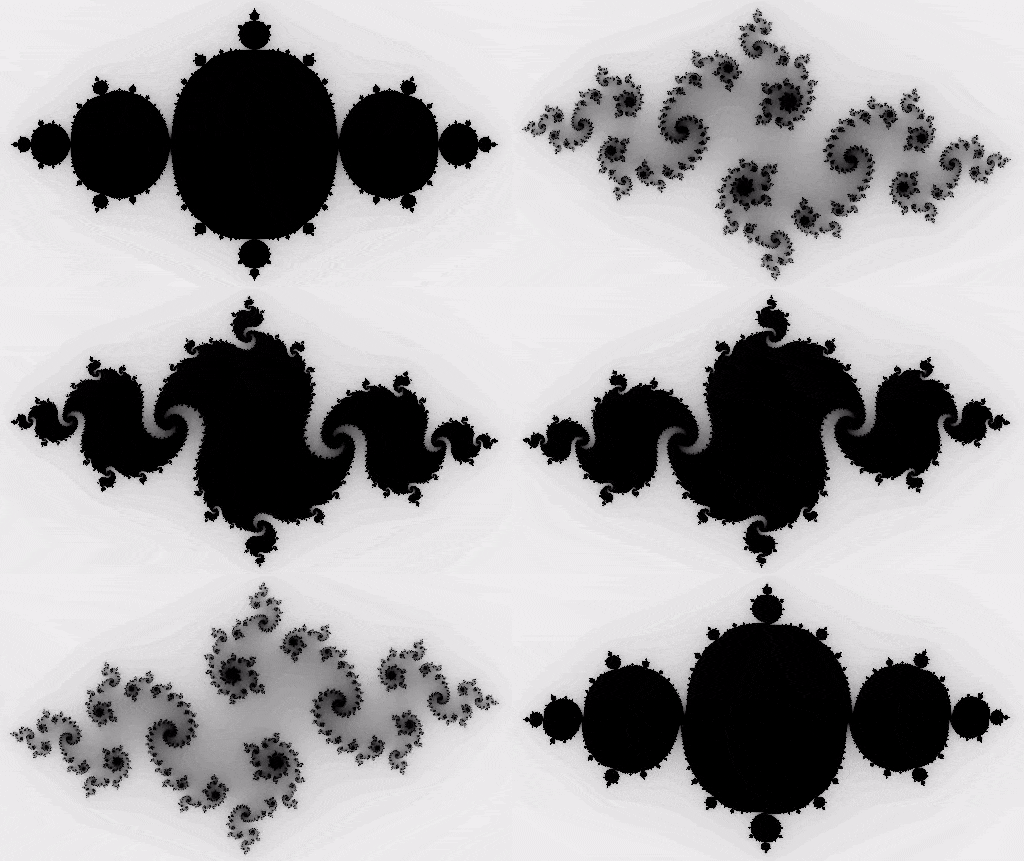 PythonTaiichi Taipei Intelligence artificielle Traitement graphique de Tensoflow
 Sélénium avec navigateur Tor en utilisant Python
 Je vais t'en chercher un nouveau, Shell.cloud.google en ligne.
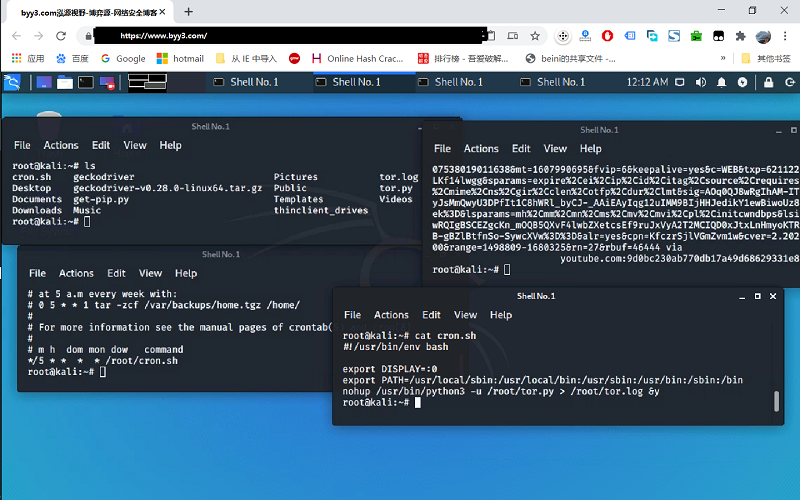 exécuter crontab avec python sélénium tor navigateur affichage dans linux
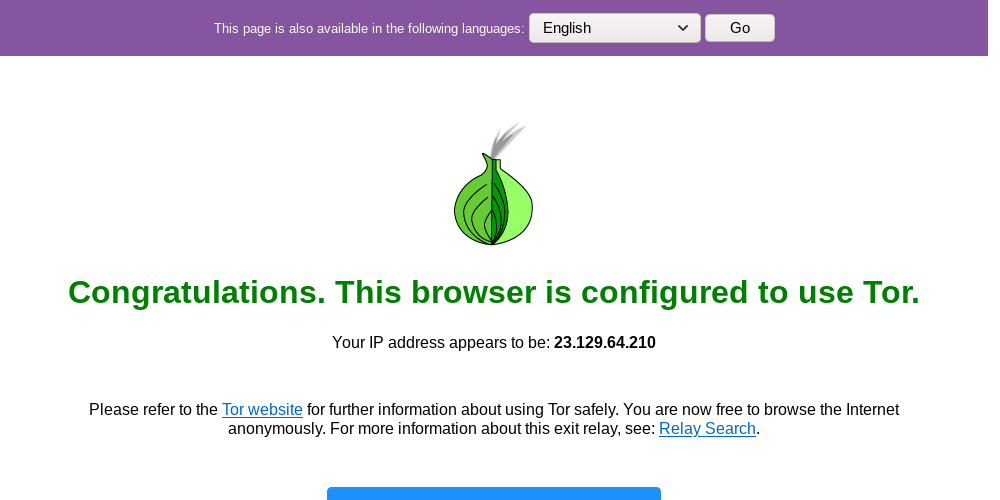 Environnement Lineux Utilisez python pour appeler la page Web du navigateur ter aléatoire

