
 ">WeChat
Update of software packages
sudo apt-get install update2. Entering the installation directory
cd /usr/local/src3. Download W3af
git clone https://github.com/andresriancho/w3af.git4. Installation of pybloomfiltermap graphviz after update
sudo apt install -y python-pybloomfiltermmap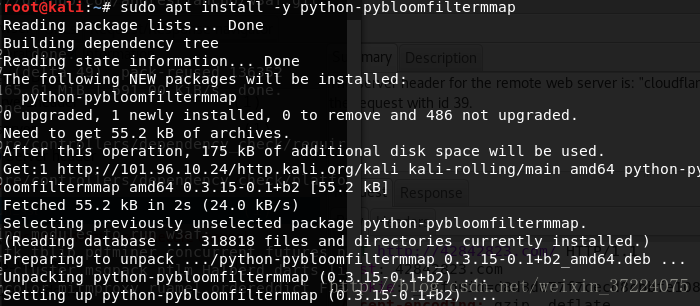
Successfully installed. Here you can see that the pybloomfiltermap version is 0.3.15 w3af to install with 0.3.14, and the lxml and openssl versions of kali are different from those of W3af to change W3af files to Kali’s own version otherwise there will be errors 5 and changes w3af files after downloading W3af
-
cd /usr/localI’m not sure if you’re going to be able to do this.W3af
-
vim w3af/core/Controllers/dependency_check/requirements.py
PIPDpendency(‘pybloomfilter’, ‘pybloomfiltermmap’, ‘0.3.15′), PIPDpendency(‘OpenSSL’, ‘pyOpenSSL’, ‘16.2.0′), PIPDpendency(‘lxml’, ‘lxml’, ‘3.7.1′,
vim w3af/core/controllers/dependency_check/platforms/mac.pyMAC_CORE_PACKAGES.remove(IPDependency), `pyblooftermap’, `0.3.15 ‘ ) 6, execution …/w3af_gui
./w3af_guiYou will show the dependency on which you need to install and generate an enforcement command under/tmp./w3af_dependency_install.sh
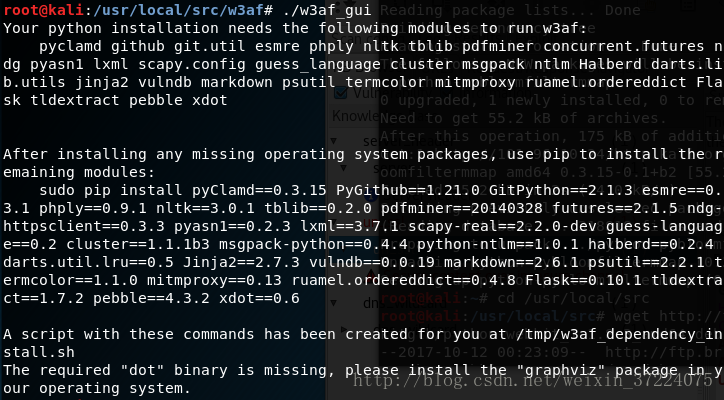
Run commands under 7, to/tmp
-
cd /tmp
-
./w3af_dependency_install.sh
It’s going to be a long installation.
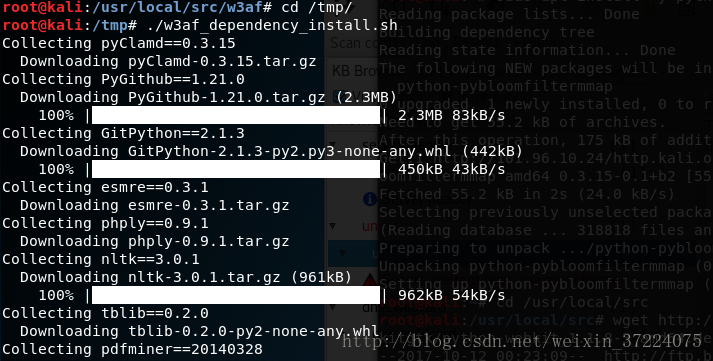
Figure below indicates installation success

8 Execute w3af_console and enter y to show success
-
cd /usr/local/src/w3af
-
./w3af_console
9. Execute w3af_gui alerts for the installation of graphviz packages
./w3af_gui
9. Installation of grampviz
sudo apt-get install graphviz10, re-execut w3af_gui hintnomodule named webkit download package
-
cd ../
-
wget http://ftp.br.debian.org/debian/pool/main/p/pywebkitgtk/python-webkit_1.1.8–3_amd64.deb
And download dependency.
-
wget http://ftp.br.debian.org/debian/pool/main/w/webkitgtk/libjavascriptcoregtk-1.0–0_2.4.11–3_amd64.deb
-
wget http://ftp.br.debian.org/debian/pool/main/p/python-support/python-support_1.0.15_all.deb
-
wget http://ftp.br.debian.org/debian/pool/main/w/webkitgtk/libwebkitgtk-1.0–0_2.4.11–3_amd64.deb
Installation of dependency and packages
-
dpkg – I don’t know. libjavascriptcoregtk–1.0–0_2.4.11–3_amd64.Deb
-
dpkg – I don’t know. python-support_1.0.15_all.Deb
-
dpkg – I don’t know. libwebkitgtk–1.0–0_2.4.11–3_amd64.Deb
-
dpkg – I don’t know. python-webkit_1.1.8–3_amd64.Deb
Here is the chart below if the installation order dpkg-i python-webkit_1.1.8-3_amd64.deb is executed, and the repair installation command is executed at –fix-broken install if hint or lack of dependence

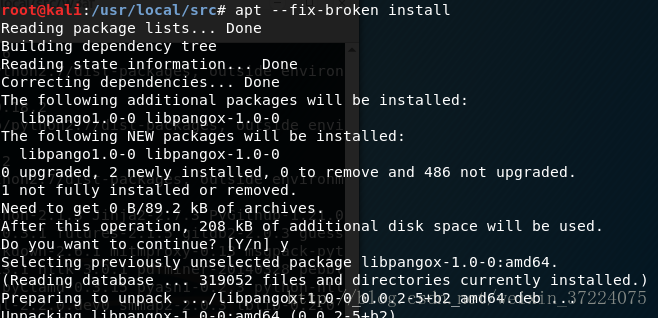
You can re-energize dpkg-i python-webkit_1.1.8-3_amd64.deb

To verify whether webkit was installed successfully, access to python and execution of Import Webkit
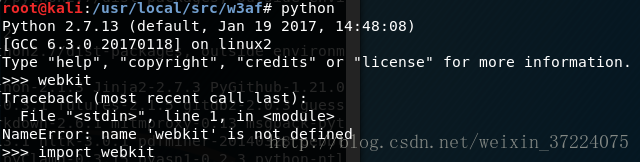
11, re-execut …/w3af_gui hint missing module gtksourceview2
./w3af_gui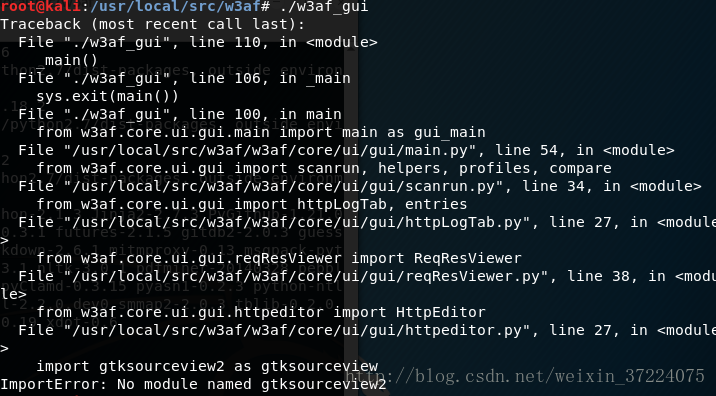
12. Installation of gtkourceview2
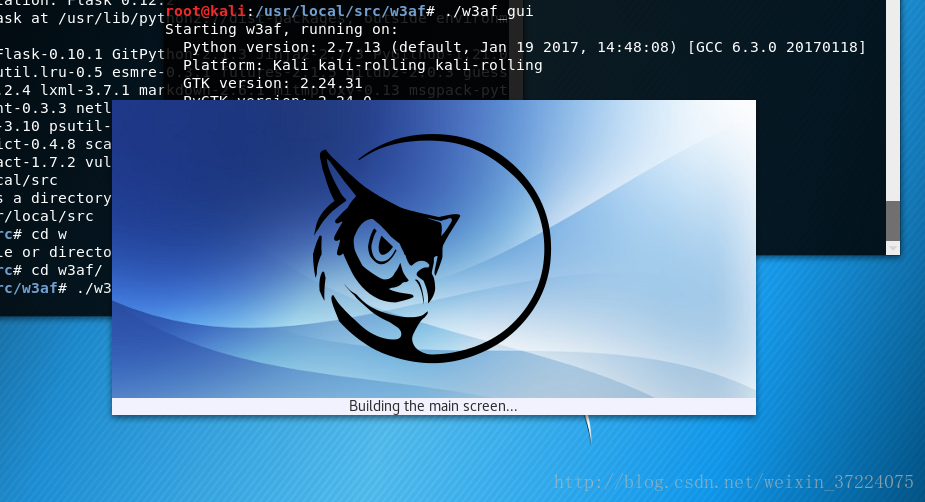
apt-get install python-gtksourceview213, re-executed …/w3af_gui, done
未经允许不得转载:萌萌Apprentissage » W3af installation under kali for web audit


 learn NMAP

